Artifacts
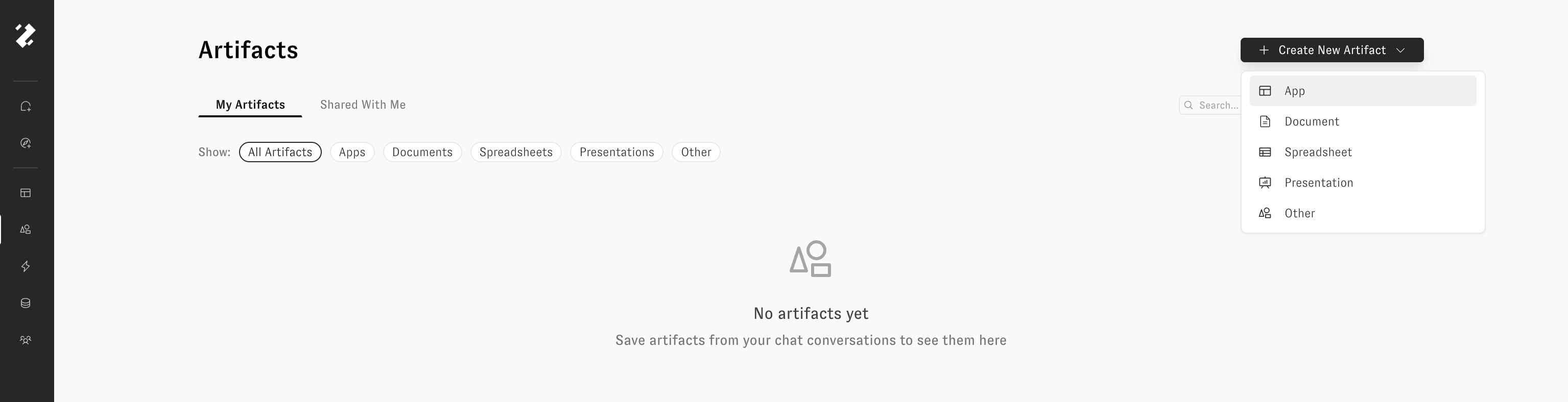
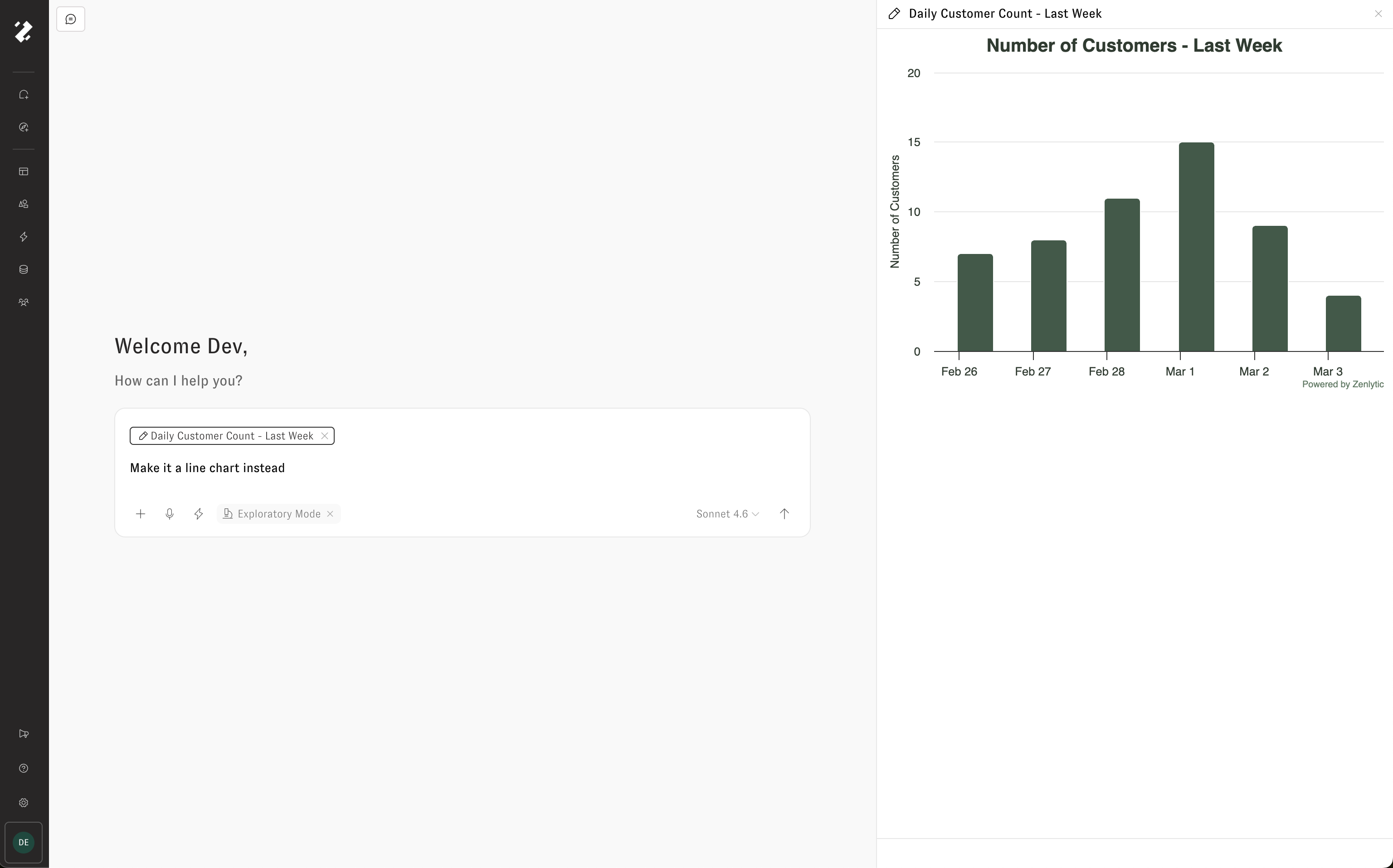
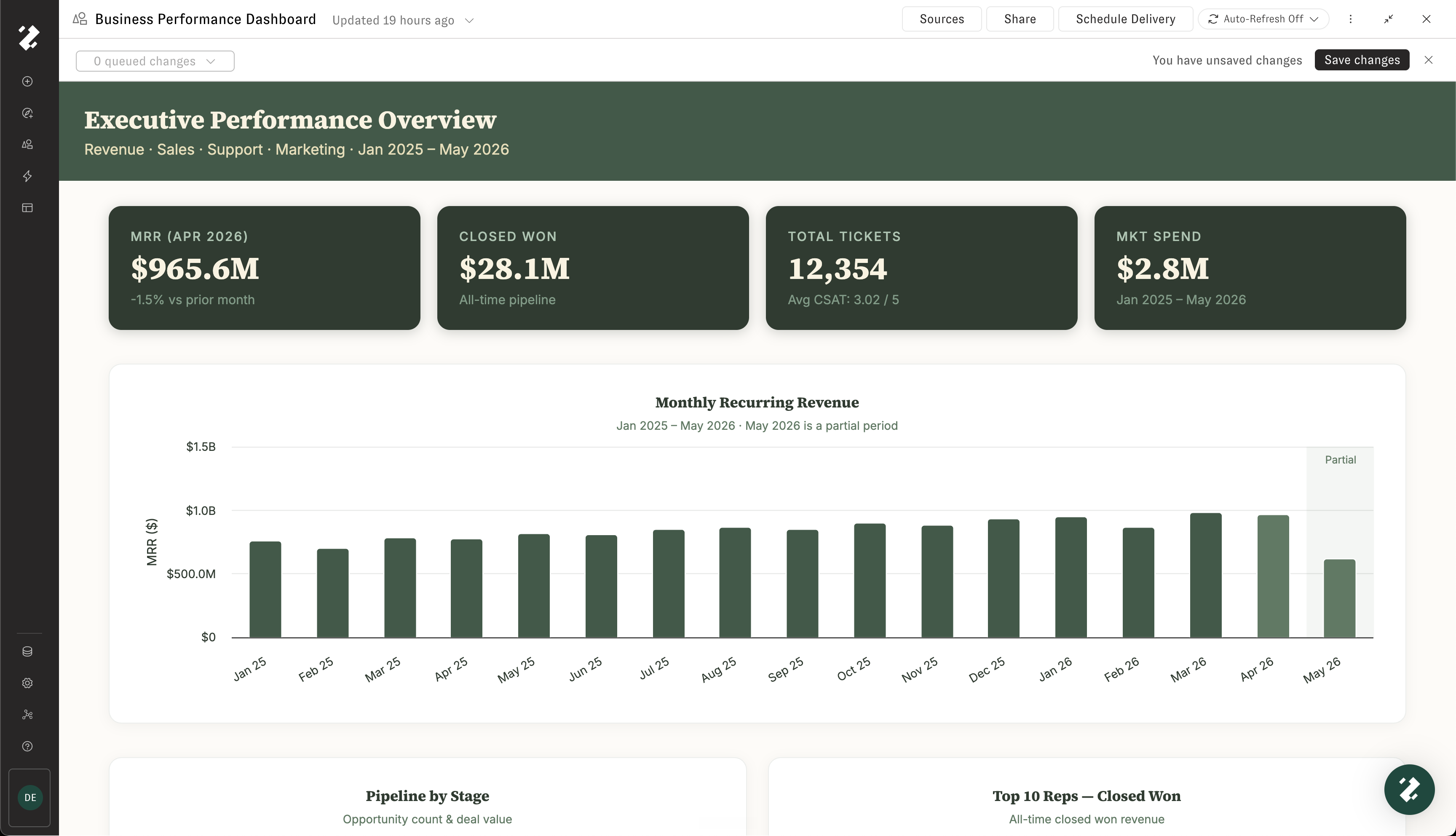
Artifacts are polished documents — slide decks, spreadsheets, reports, dashboards, and data apps — that Zoë creates for you right inside the conversation. They're built on top of your governed data, export as real files (.pptx, .xlsx, .pdf), and stay alive with scheduled refreshes and delivery.
What is an artifact in Zenlytic?
An artifact is a saved, versioned document generated from a Zoë conversation. It replaces manual work like rebuilding weekly spreadsheets or copy‑pasting charts into decks. Zoë can regenerate the artifact from the latest governed data, so your business reporting stays current. Artifacts are ideal for executive reporting, weekly business reviews, and recurring KPI dashboards.
Each artifact bundles together four components:
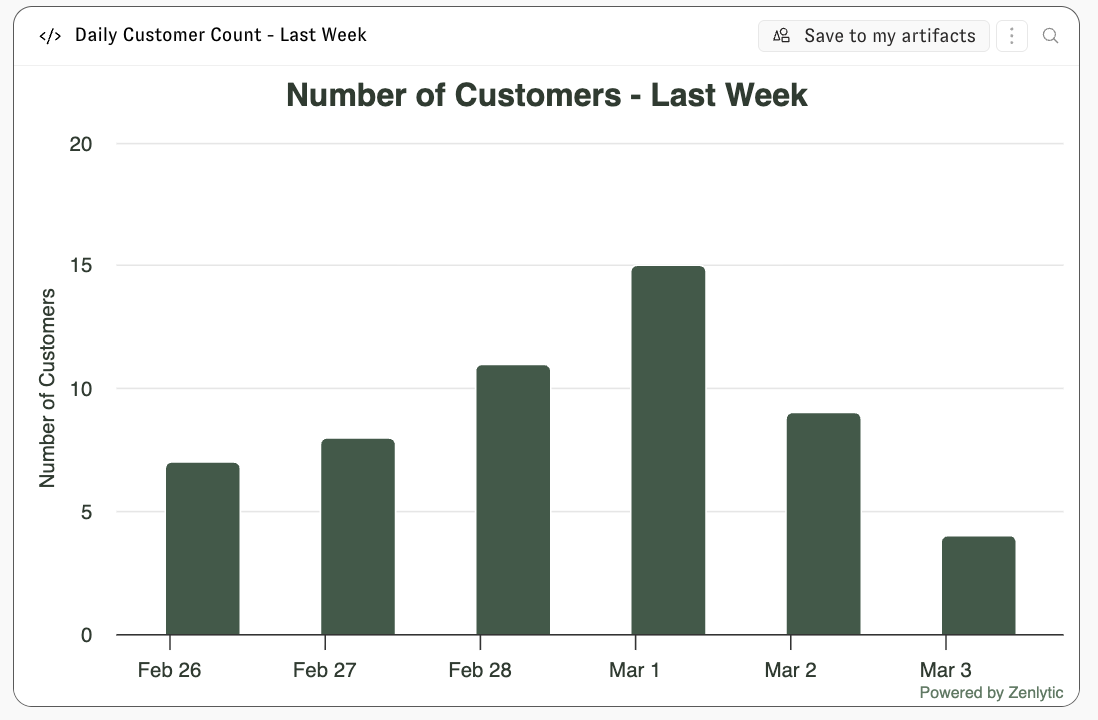
Output file — The document you see and share (an HTML dashboard, chart, spreadsheet, PDF, or image).
Source code — The code Zoë used to generate it.
Data files — The CSVs and SQL results used as inputs.
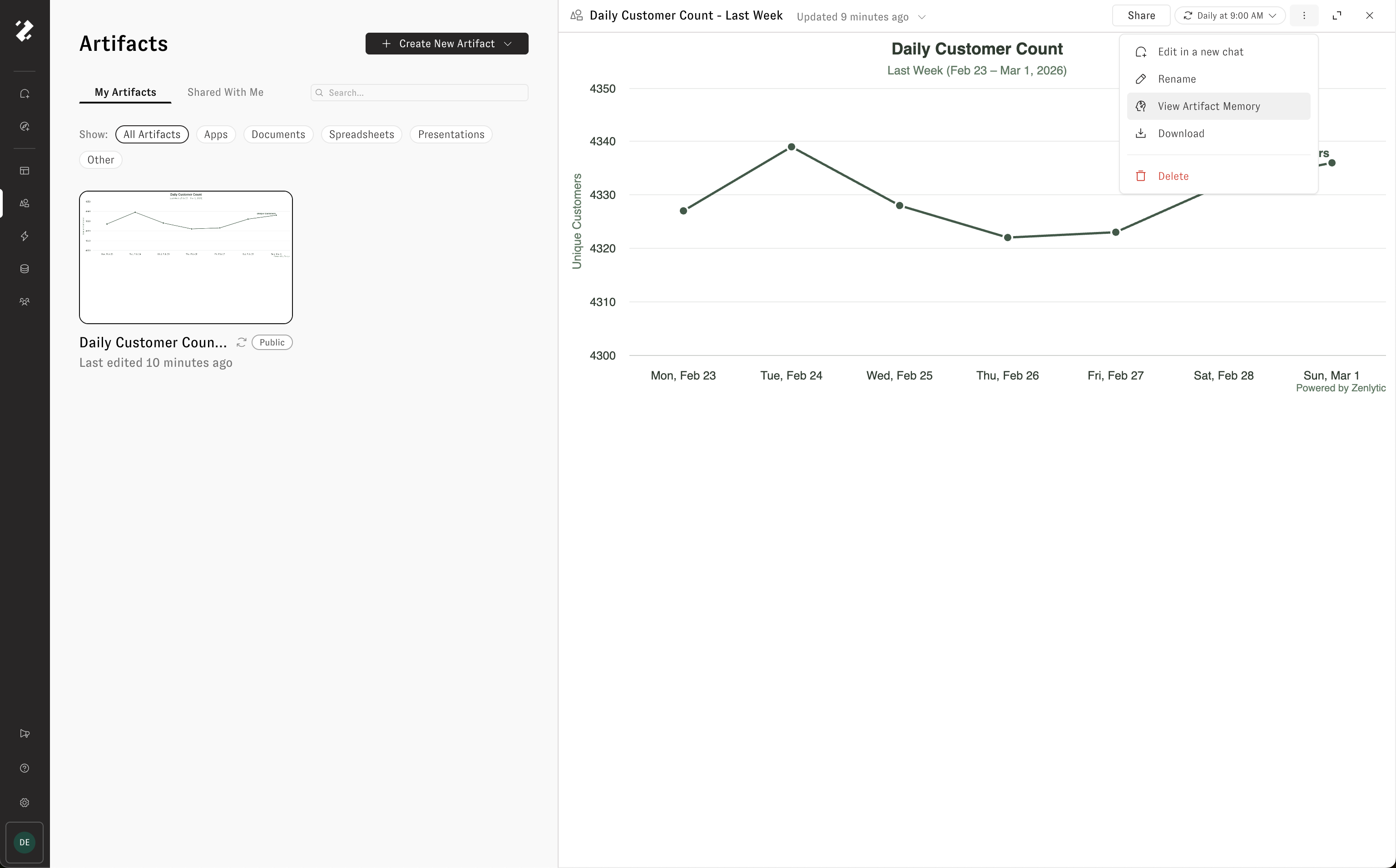
Memory — An auto-generated
artifact.mdfile summarizing the artifact's purpose, context, and change history.
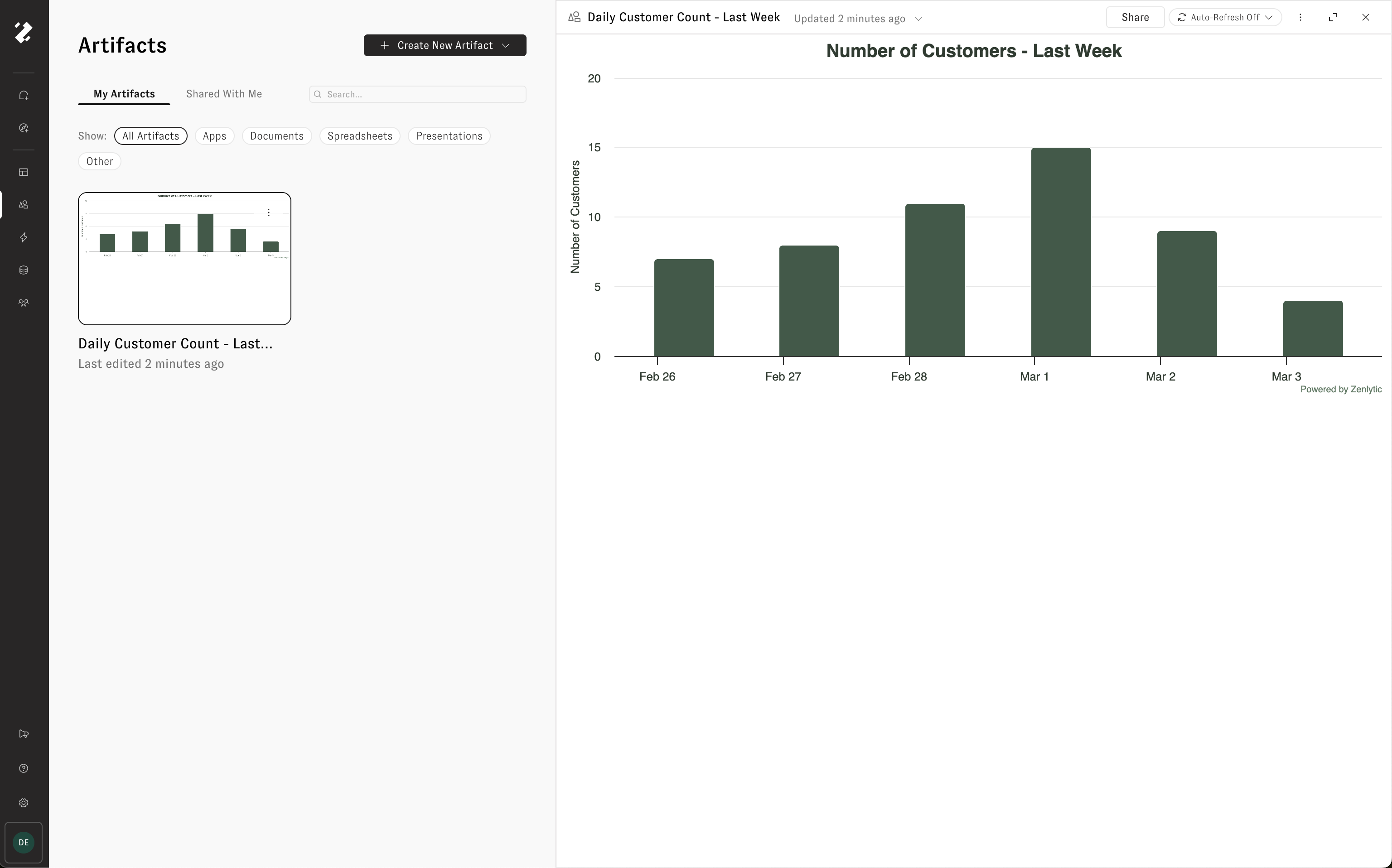
For HTML artifacts, a PNG thumbnail is also auto-generated and used in email deliveries and the artifact gallery.
Creating an artifact
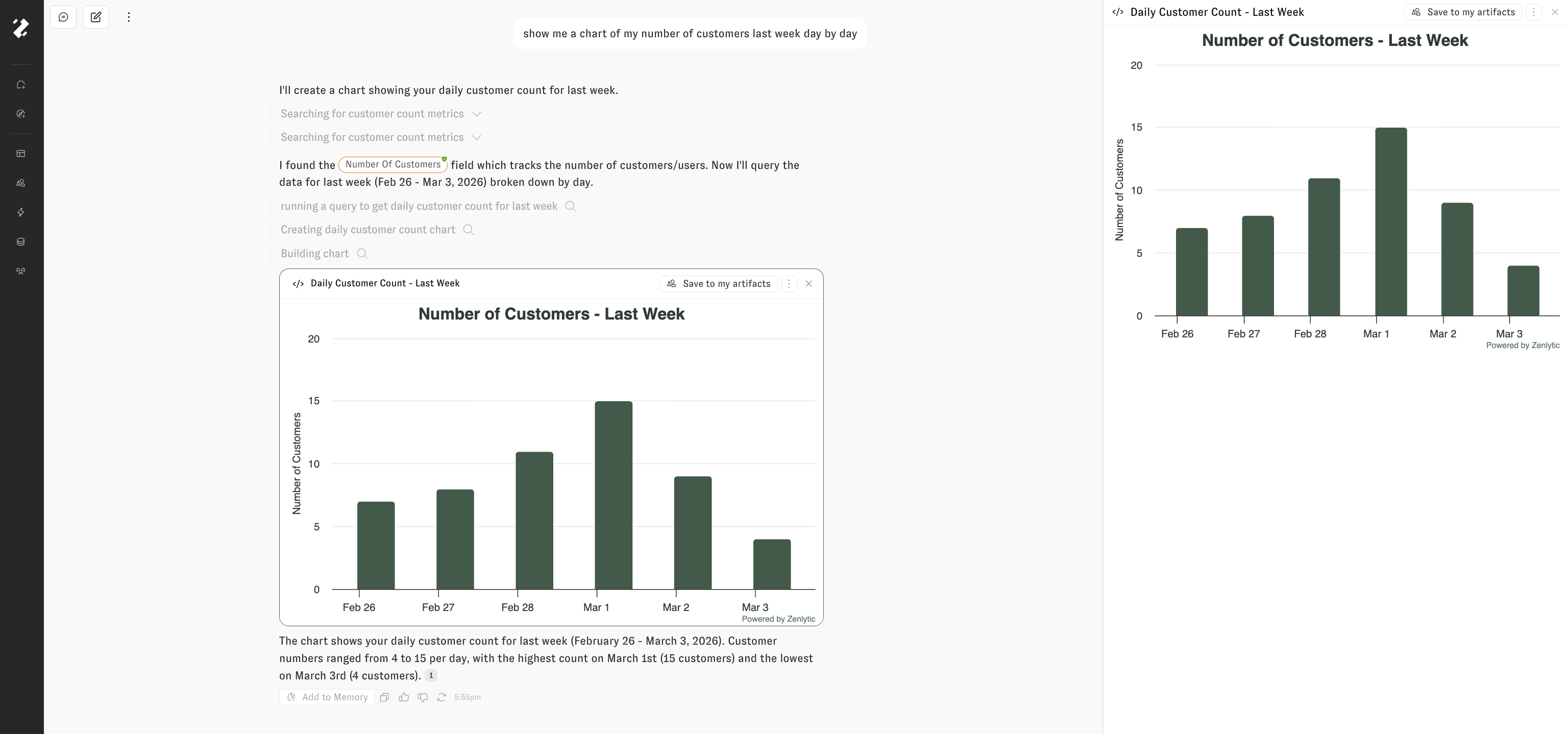
Have a conversation with Zoë that produces an output — for example, a dashboard, report, or analysis.
Save the output as an artifact by giving it a name and optional description.
Zoë auto-discovers related data files from the conversation and links them to the artifact.
This creates version 0 (v0) of your artifact.
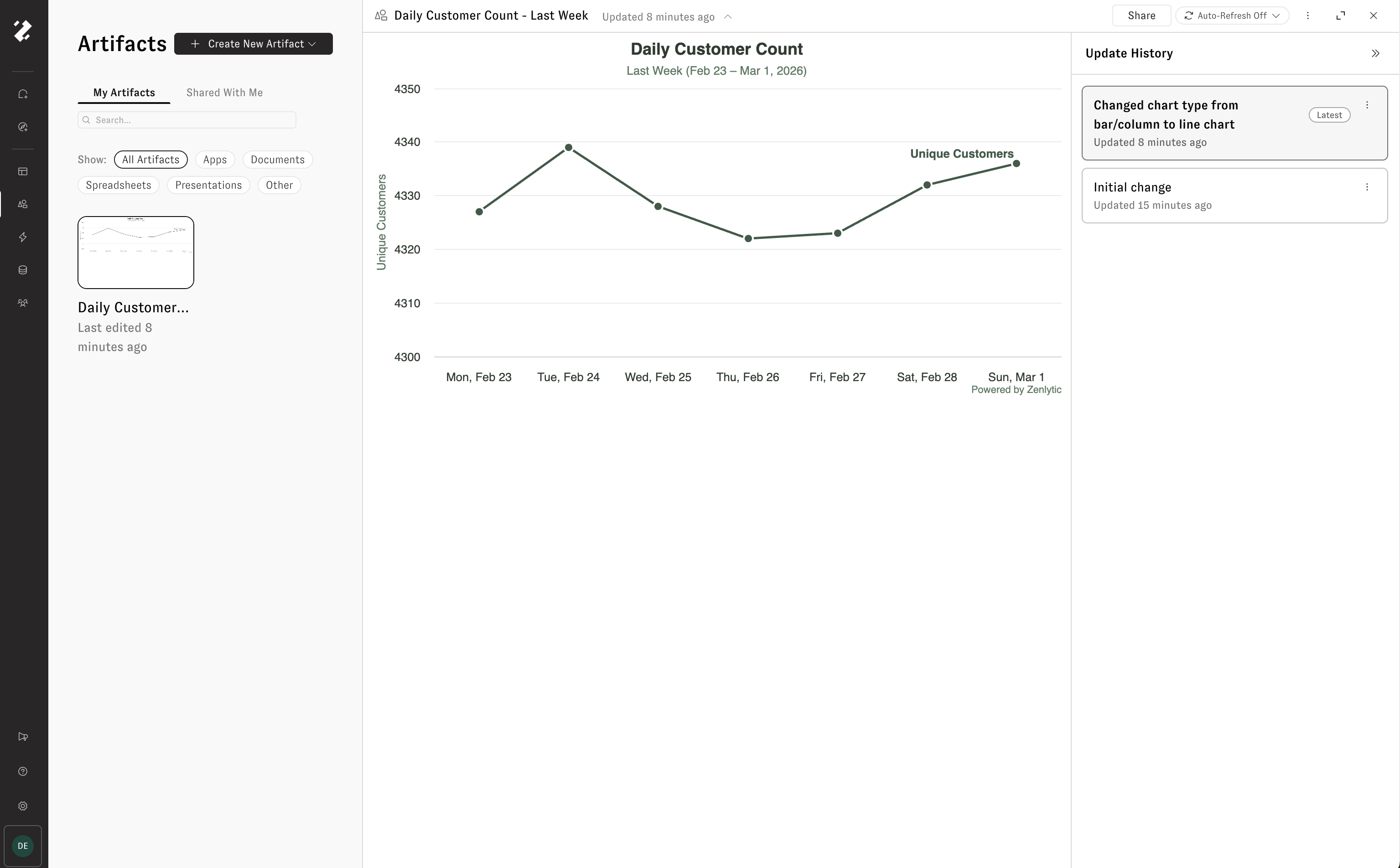
Version control
Every artifact uses immutable, append-only versioning. Each version is a complete snapshot of all files — nothing is overwritten or deleted.
New versions are created when:
You edit the artifact in a conversation and save the changes.
A scheduled refresh runs and produces updated output.
Each version includes an edit message describing what changed, similar to a commit message. All historical versions are browsable in the UI, so you can time-travel through every past state of the artifact.
How memory updates across versions
The artifact memory (artifact.md) regenerates asynchronously after each version save. It preserves the full change history and updates the artifact's purpose and context as it evolves.
Refreshing
Refreshing re-runs the artifact's logic against fresh data and saves the result as a new version.
Trigger types
Manual — Click "Refresh" to trigger immediately.
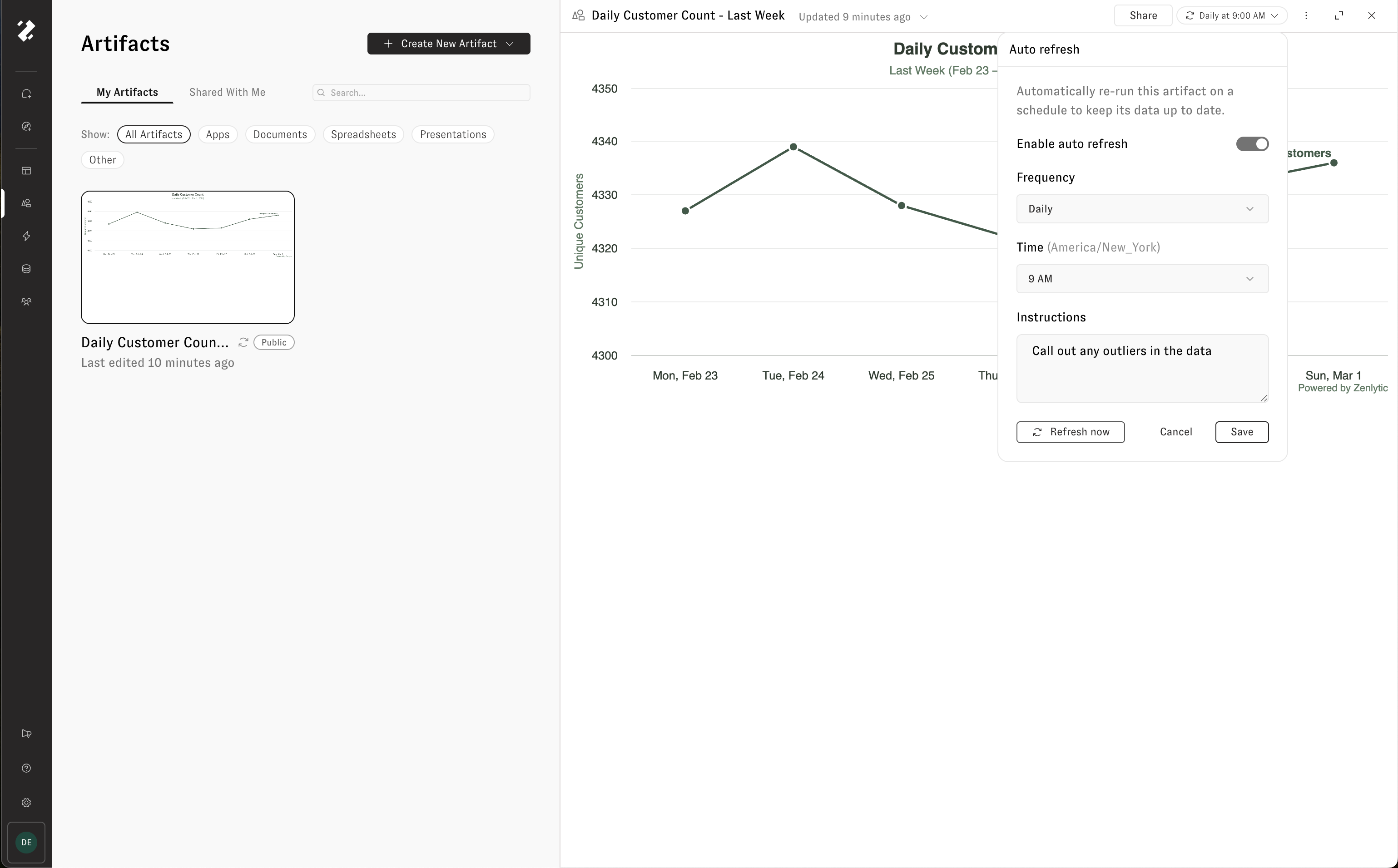
Scheduled — Configure a recurring schedule via the refresh settings panel.
Schedule options
You can set refreshes to run daily, weekly, monthly, or on a custom cron expression.
Daily — Set a
time_of_day(HH:mm).Weekly — Set a
time_of_dayandrepeat_day(day of week).Monthly — Set a
time_of_dayandrepeat_day(day of month, 1–31).Custom — Provide a cron expression for more complex schedules.
Schedules can be enabled or disabled without deleting the configuration.
How refresh works under the hood
The system creates a new conversation.
The latest version's files are synced into the conversation sandbox.
Zoë runs with the artifact's memory and refresh instructions (customizable — defaults to "Refresh this artifact with latest data").
Zoë re-pulls data, rebuilds the output, and saves a new version.
Memory and thumbnail regenerate asynchronously.
Refreshes have a 1-hour soft timeout.
Delivery
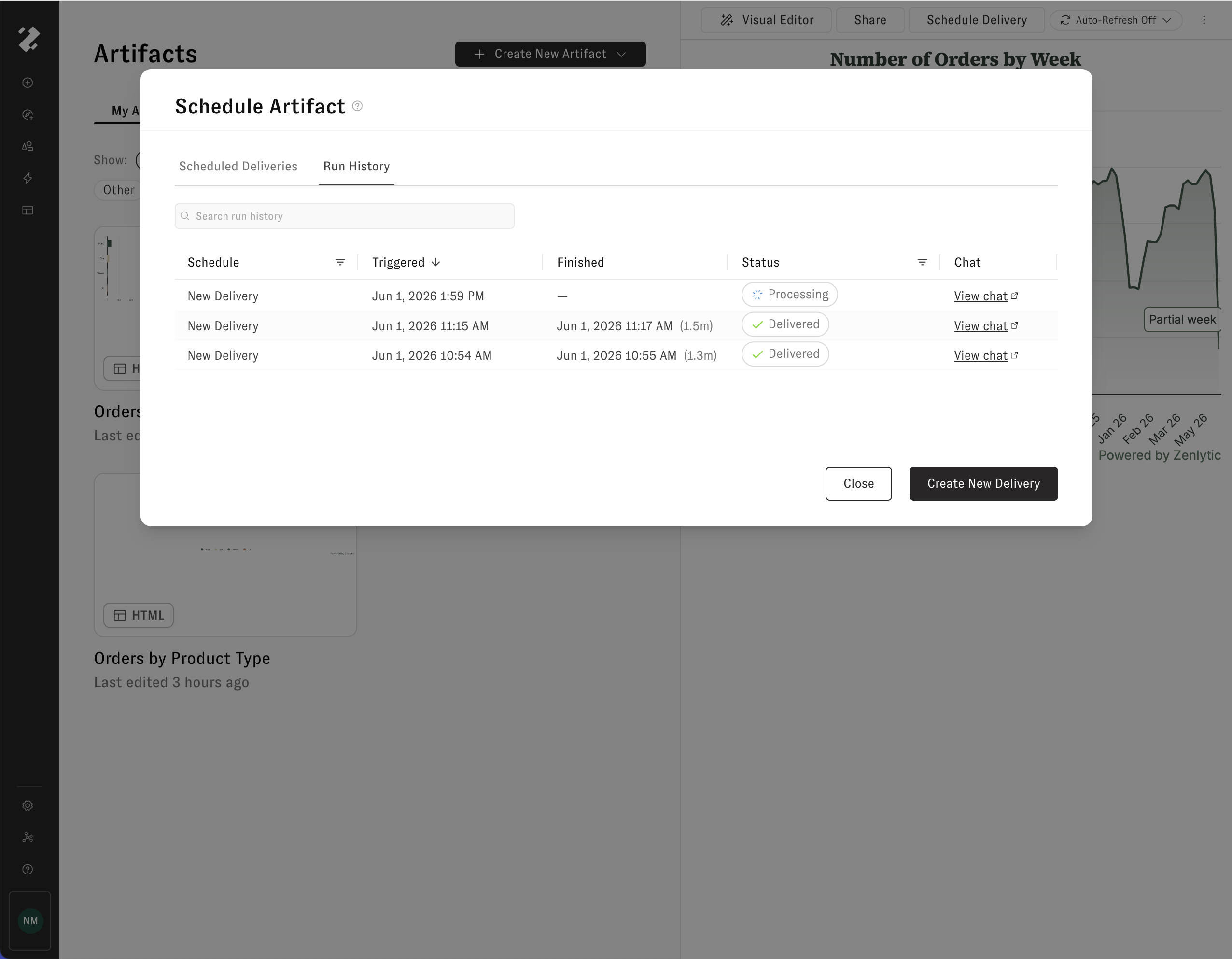
Artifacts can be delivered on a recurring schedule to email or Slack. A single artifact can have multiple delivery schedules — for example, email to leadership on Mondays and Slack to #data-team daily.
Delivery uses the same scheduling options as refresh (daily, weekly, monthly, or custom cron).
Email delivery
Inline thumbnail preview of the artifact.
Optional file attachment.
"View Online" button if public sharing is enabled.
Slack delivery
Message blocks with the artifact name and description.
Optional file upload to the channel.
Both include_attachments and include_public_share_link are configurable per delivery schedule.
Sharing and permissions
Access levels
Owner
Full control — edit, delete, share, configure refresh and delivery
Editor
Edit name and description, create new versions
Viewer
Read-only access
Sharing methods
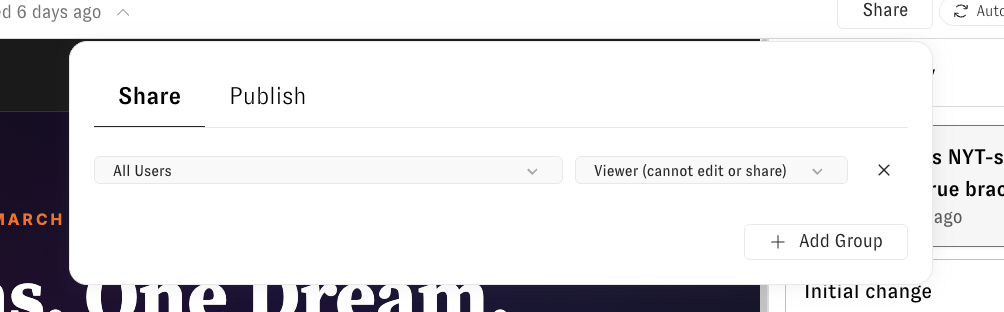
Group sharing — Share with workspace groups (including "All Users") at Editor or Viewer level.
Direct user sharing — Share with individual users at Editor or Viewer level.
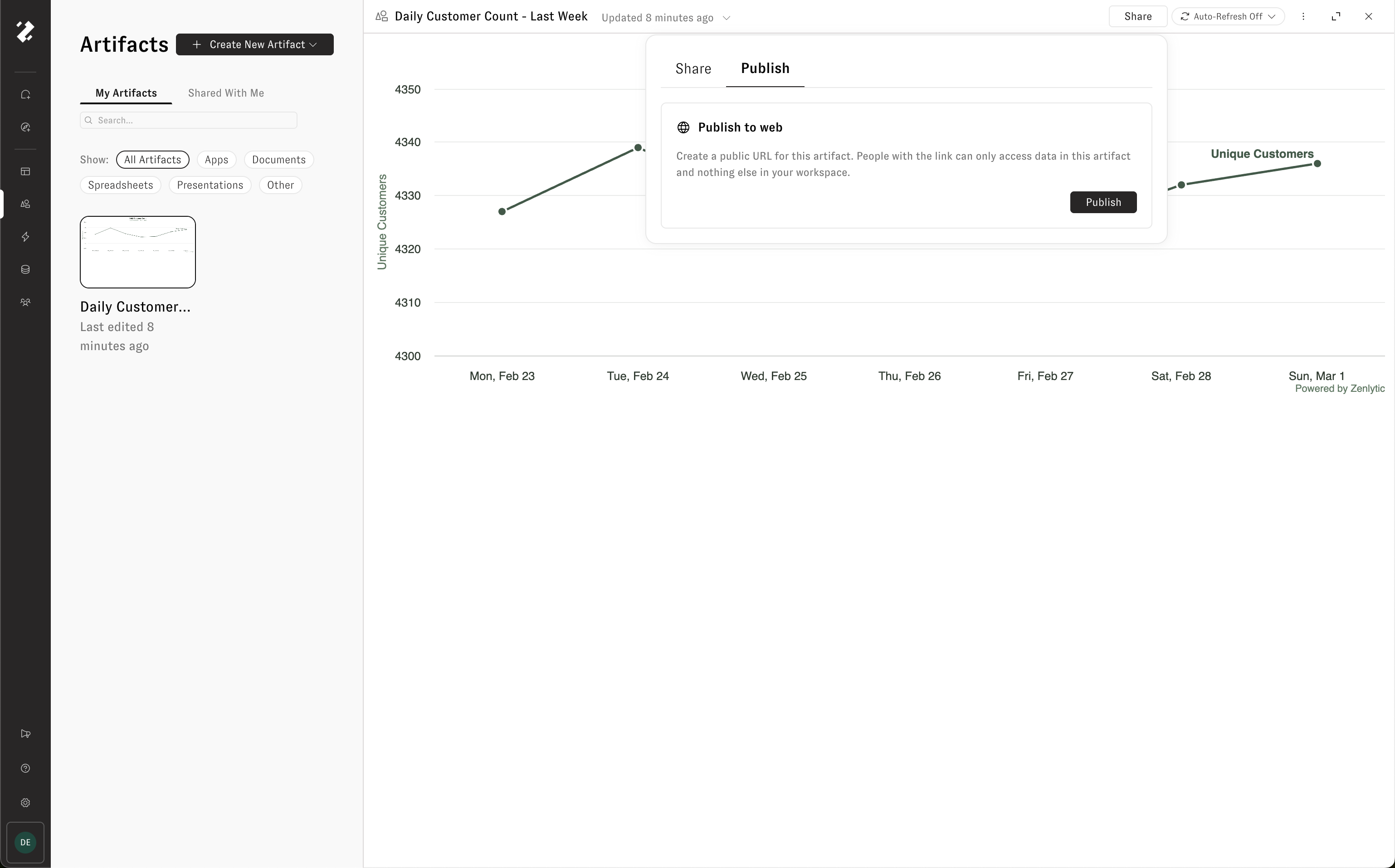
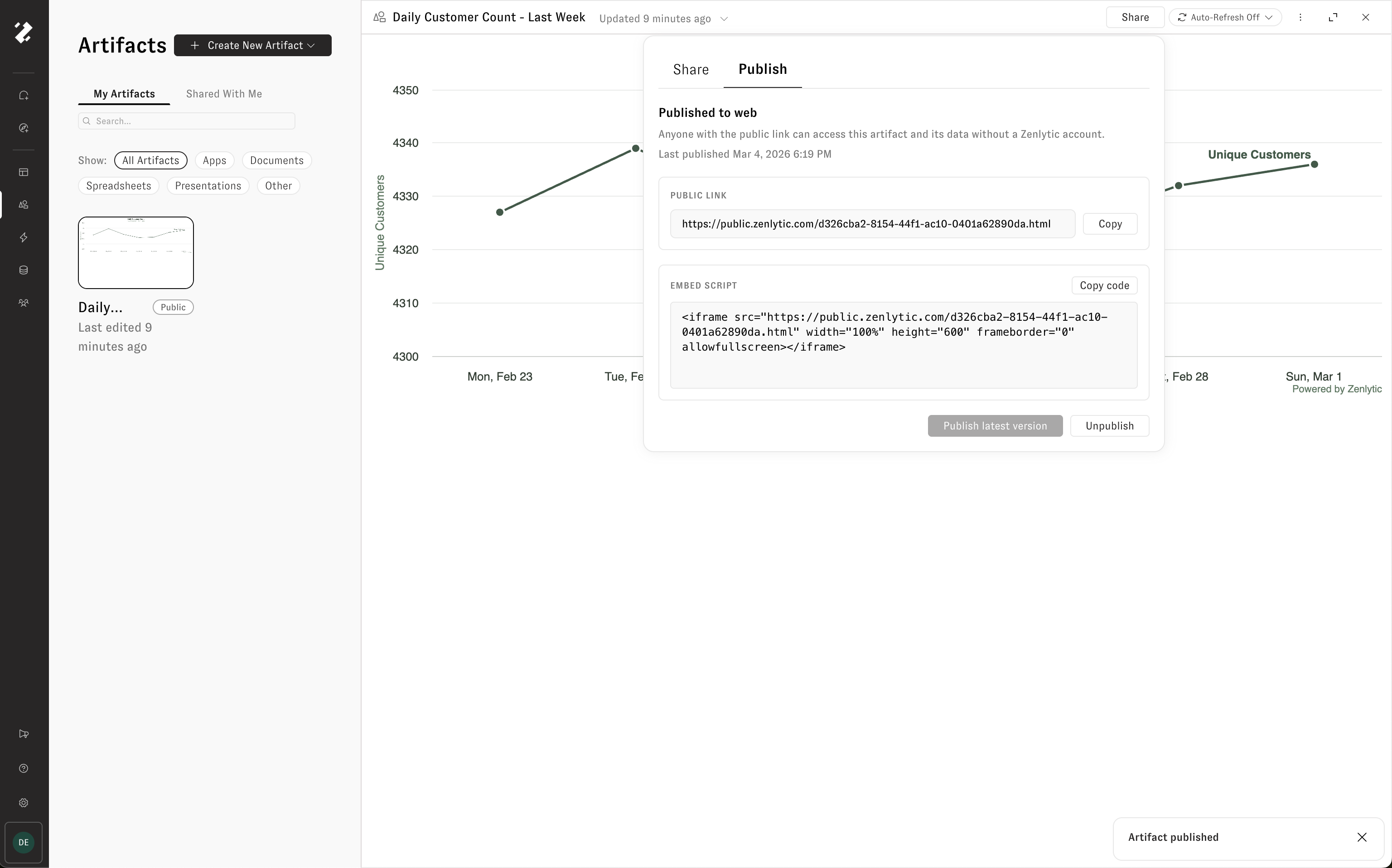
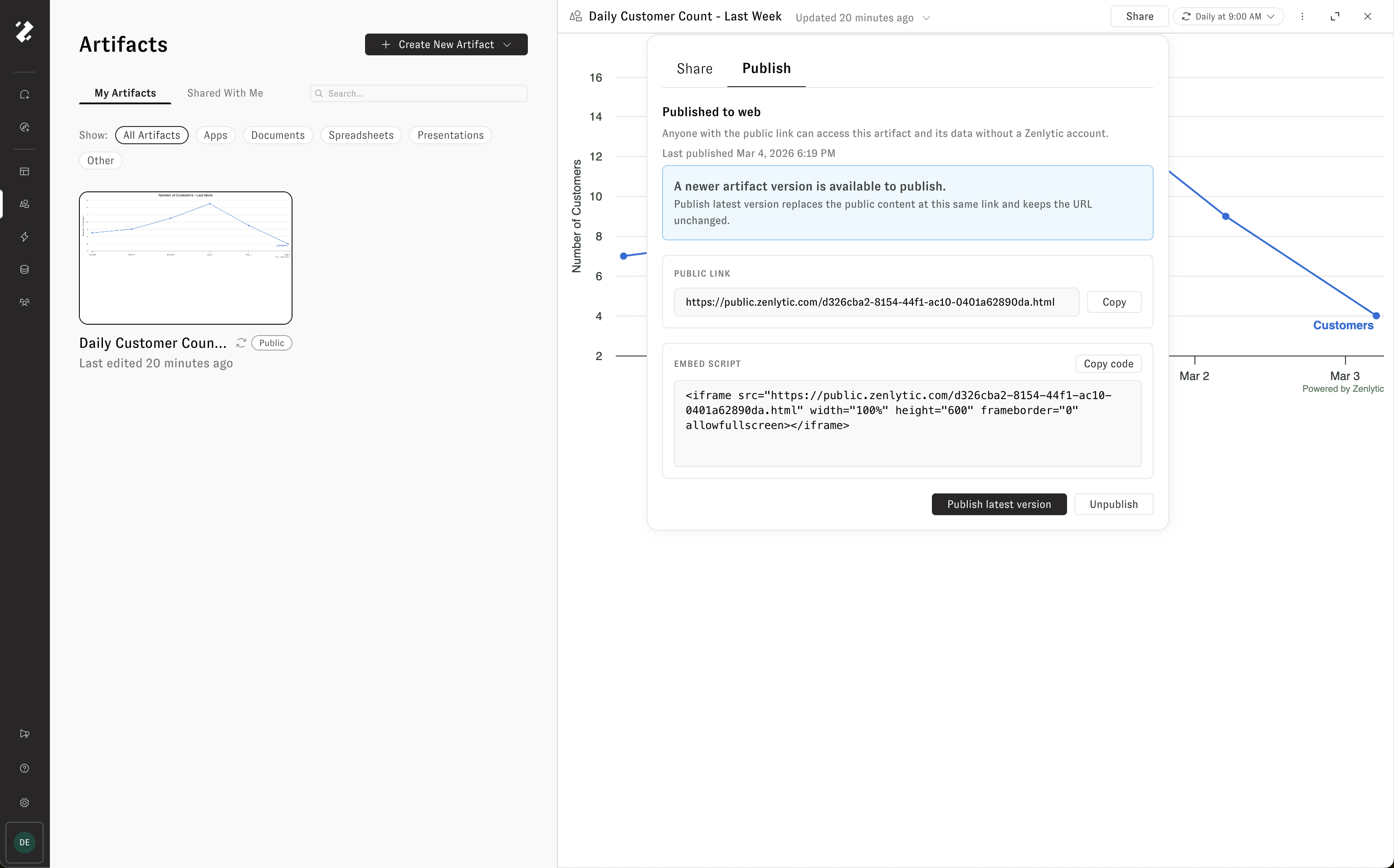
Public share links — Generate a public URL pinned to a specific version. Anyone with the link can view without logging in.
Access is determined by the highest permission across all shares (direct, group, or admin status). Workspace admins always have access.
Supported output types
Artifacts support a range of output formats, all generated on top of your governed data:
HTML apps and dashboards
Charts and visualizations
Spreadsheets (.xlsx)
Presentations (.pptx)
PDFs
Images
Limitations
Refresh timeout is 1 hour per run.
Public share links are pinned to a specific version — they do not auto-update when new versions are created.
Last updated
Was this helpful?